Host Thanksgiving with a timeline that says when the turkey goes in
Type your guests, menu and dinner time once. It works out the cooking timeline, oven schedule, seating chart and potluck message, then prints it all as a binder.
Launch price with code THANKSGIVINGLAUNCH until Oct 26. Then $7.95.
- Works on your phone
- Nothing to install
- One-time price
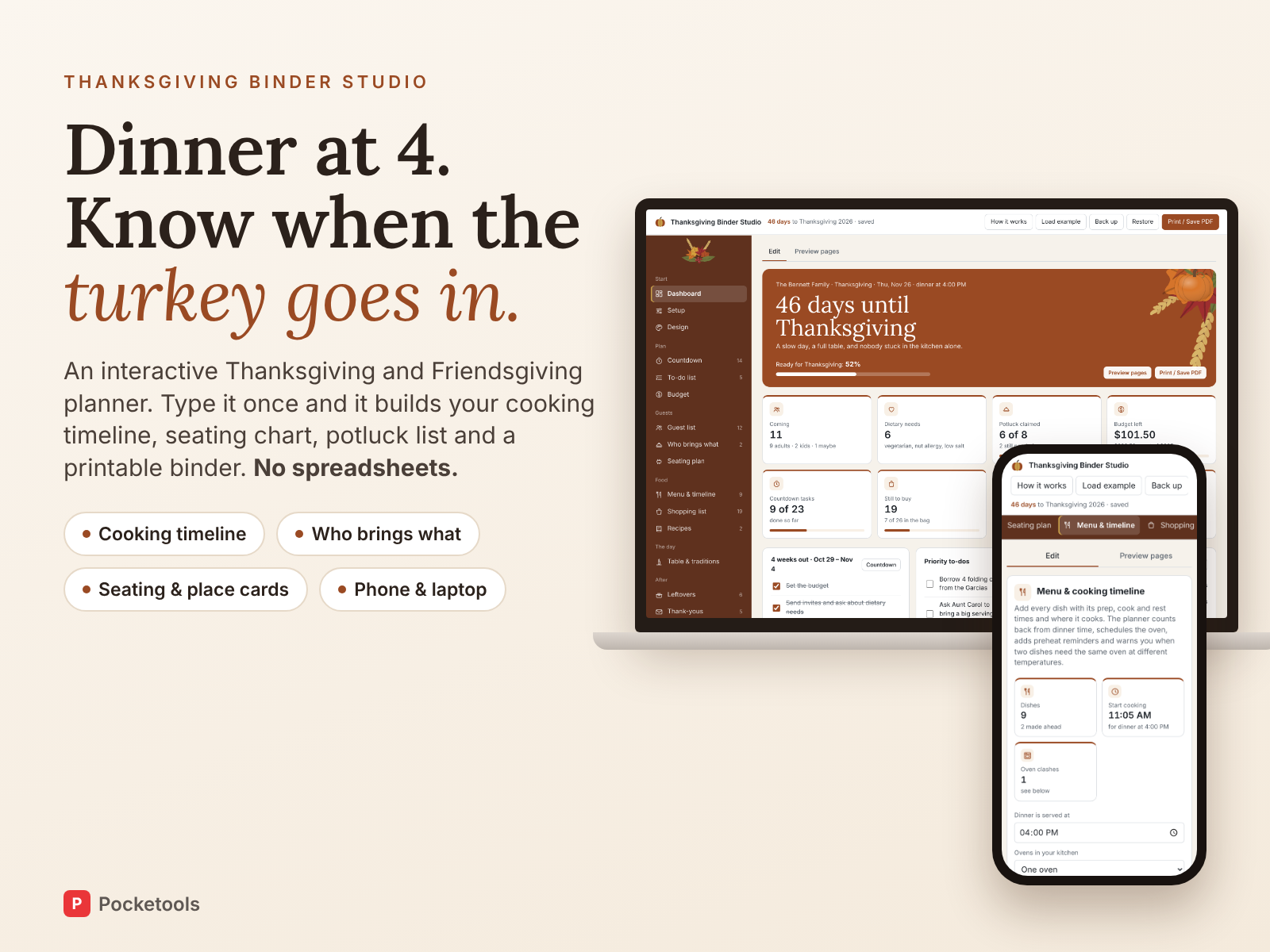
See it in action
A short clip of the real tool.
What's inside
Every part of the tool, with real screenshots.
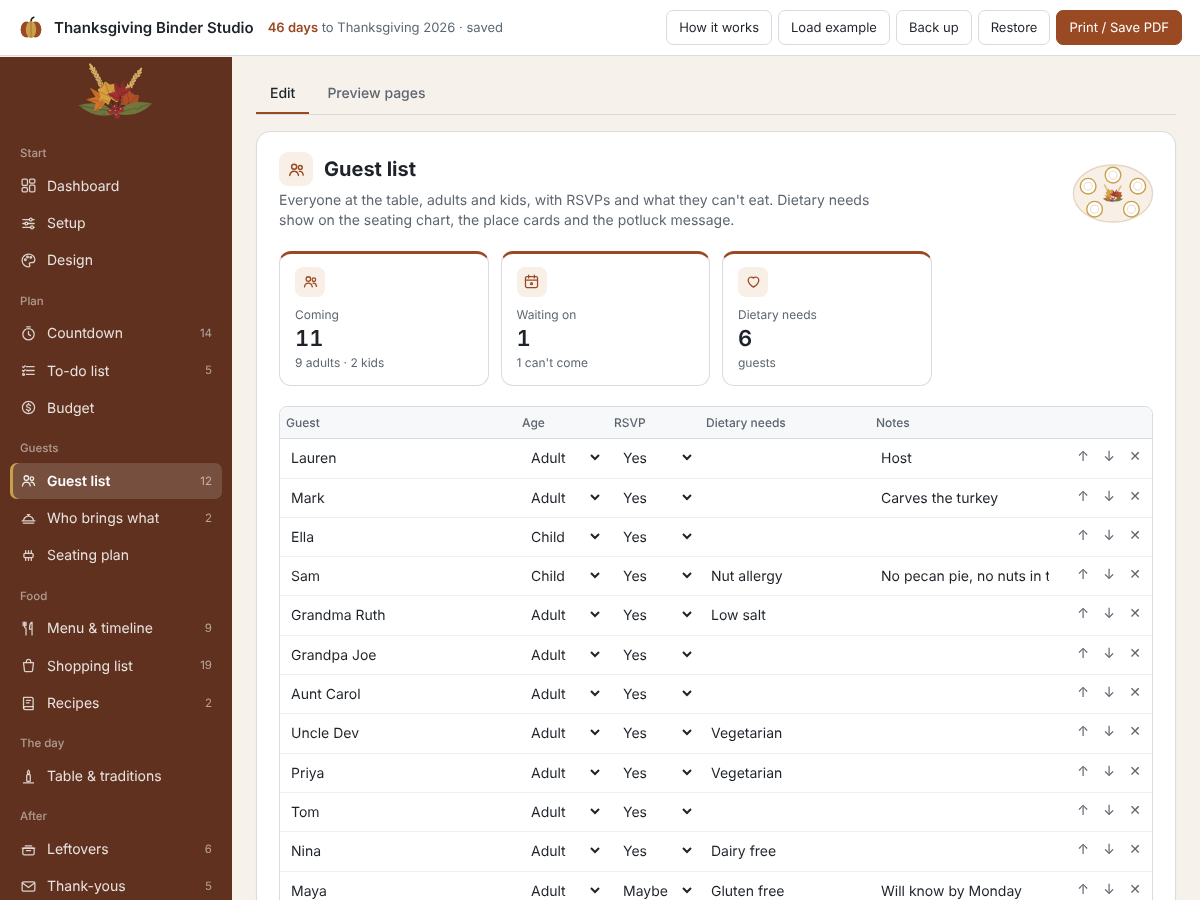
Guests, RSVPs and dietary needs
List adults and kids, who's coming and what each person can't eat. Dietary needs carry through to the seating chart, the place cards and the potluck message.
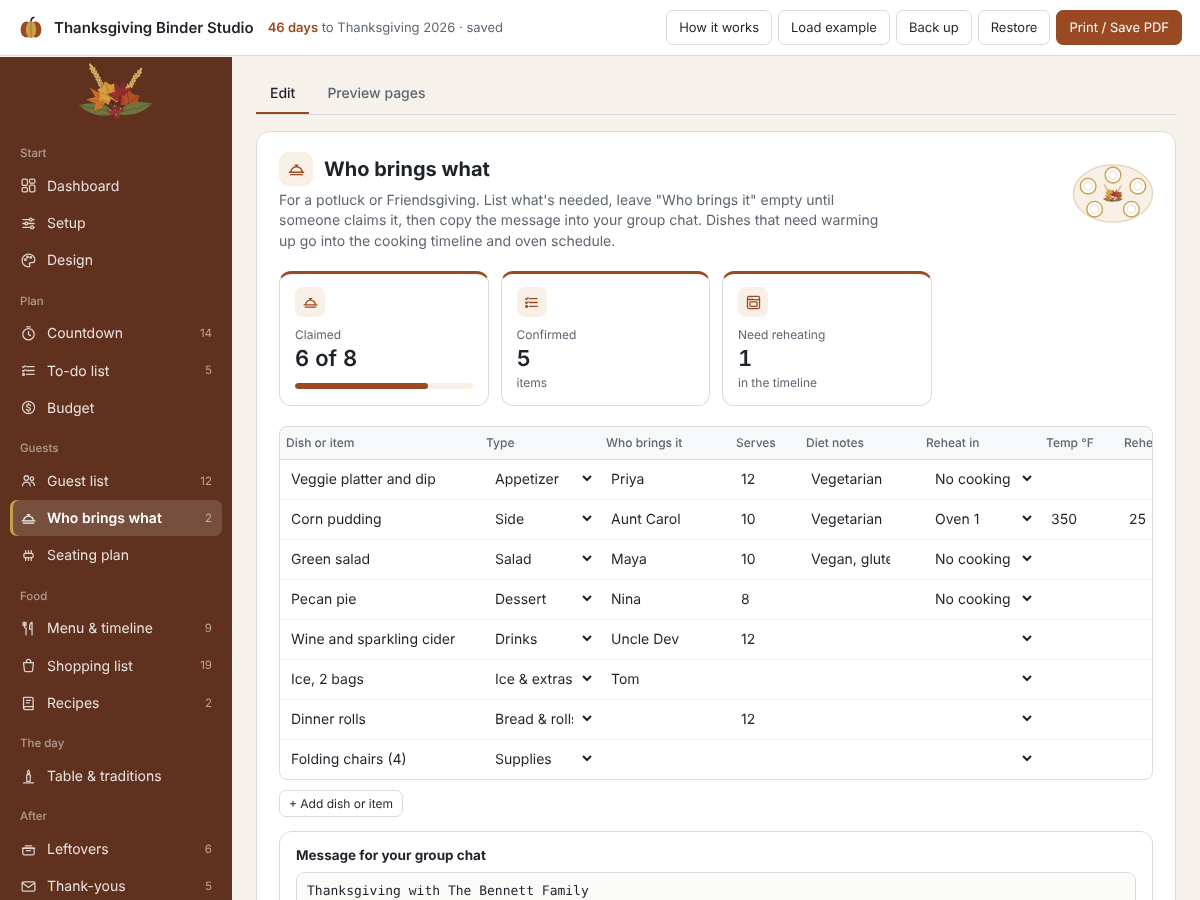
Who brings what, without the group chat chaos
List what's needed and who's bringing it, then copy one ready-made message for your group chat. Guest dishes that need reheating go straight into your timeline.
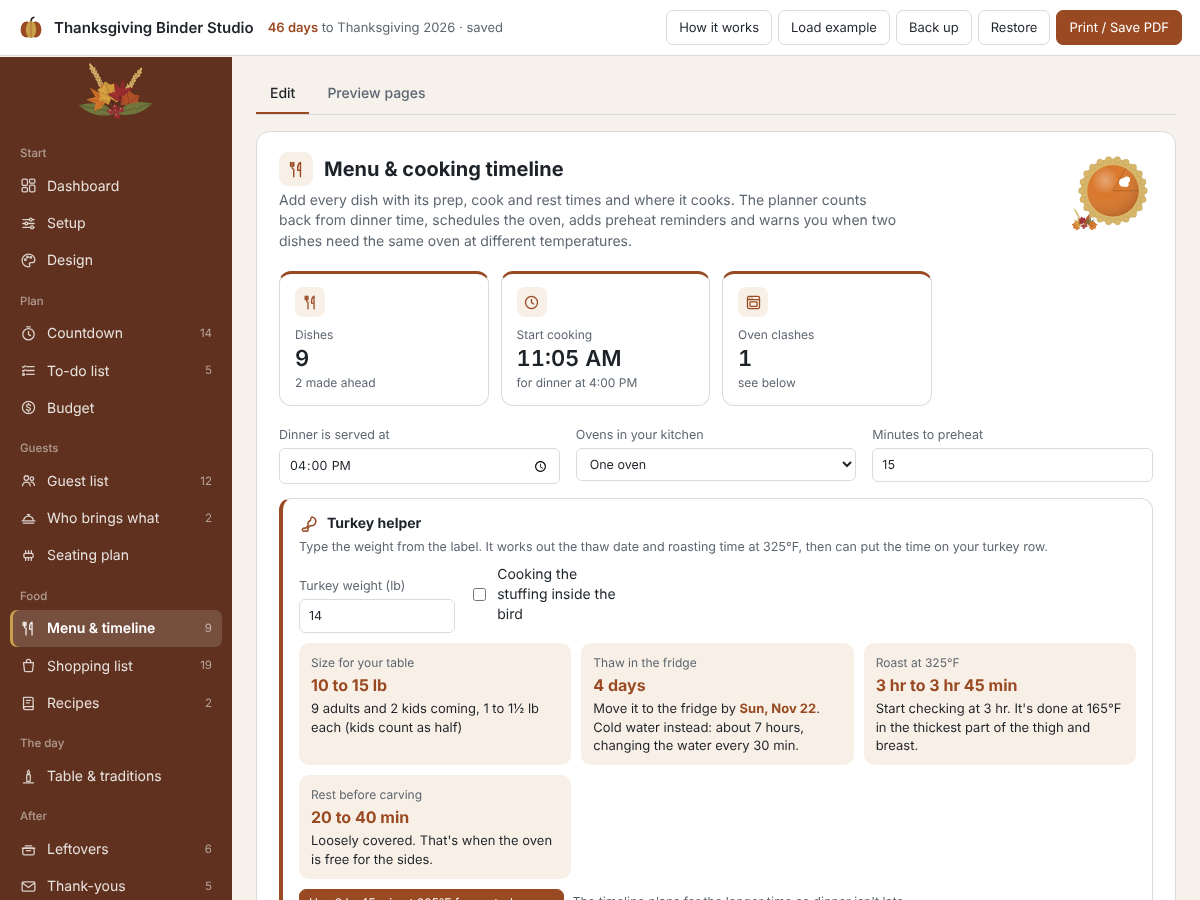
A cooking timeline counted back from dinner
Enter prep, cook and rest times for each dish and when dinner is served. It works backwards, adds preheat steps and warns you when two dishes need the oven at different temperatures. The turkey helper gives the thaw day and roasting time.
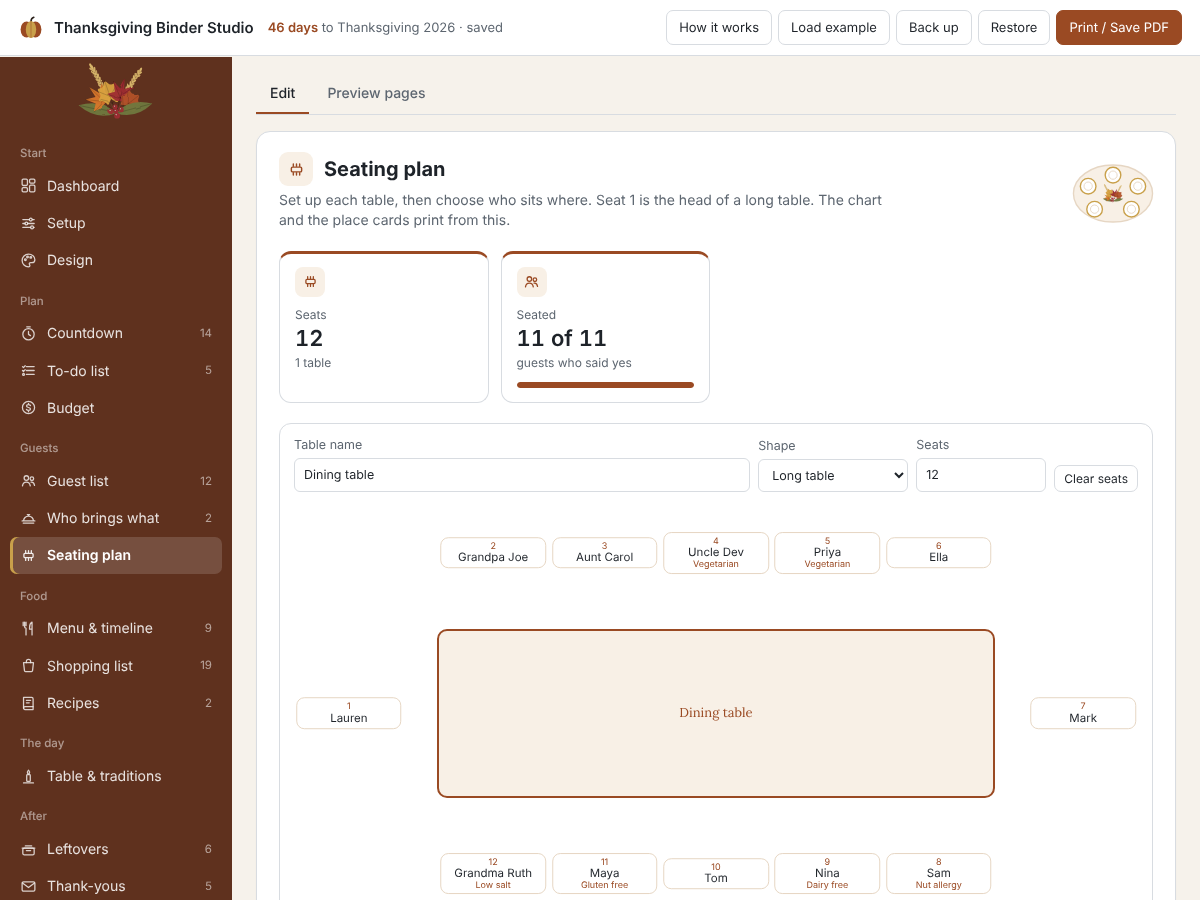
Seating chart and place cards
Set up long or round tables, pick who sits where or seat everyone with one tap. The chart and fold-over place cards print with names already on them.
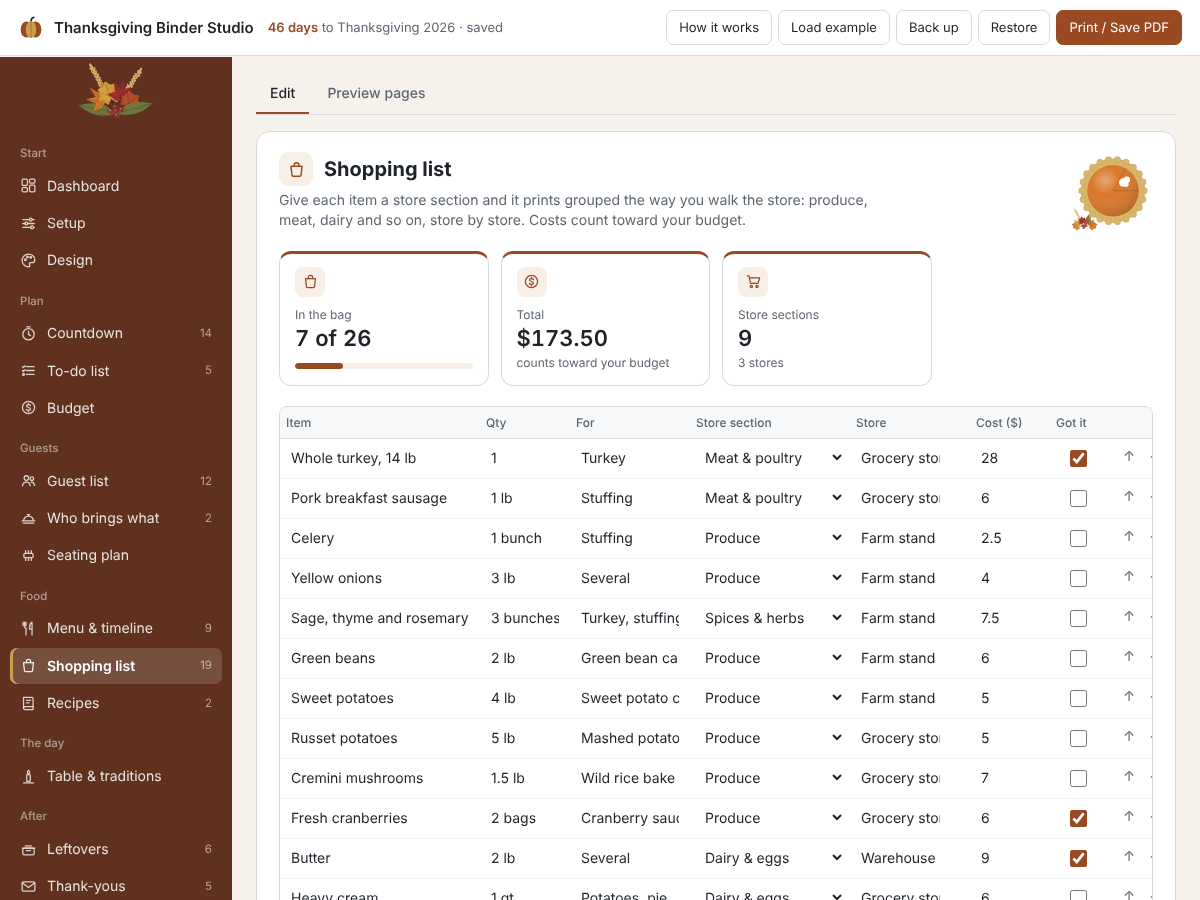
A shopping list that walks the store with you
Each item has a store and a section, so the printed list is grouped the way you shop. Tick things off as they go in the bag.
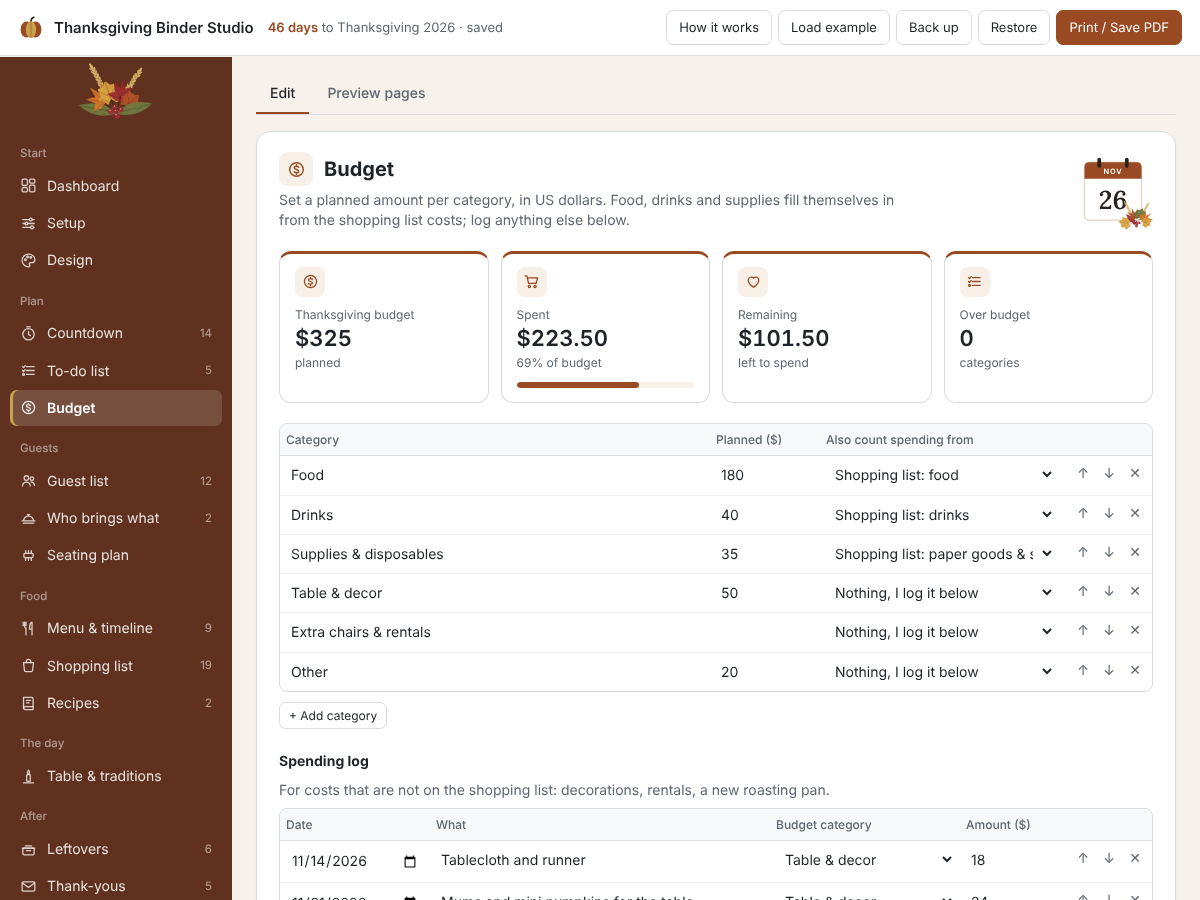
A budget that fills itself in
Food, drinks and supplies come straight from your shopping list costs. Log anything else, like decorations or rentals, and see planned against spent.
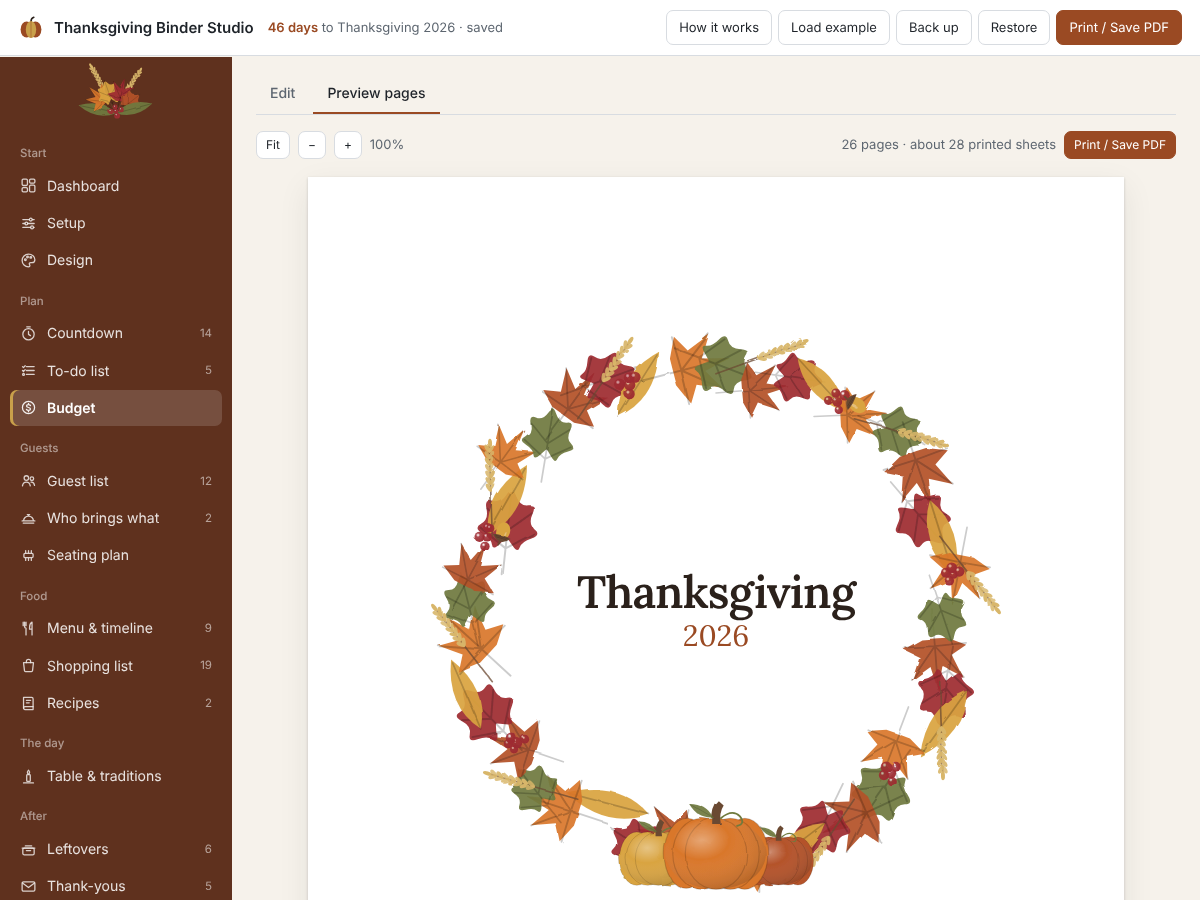
Print the whole binder
Cover, countdown, menu, timeline, oven schedule, seating chart, place cards, recipes, leftovers and thank-you notes, filled in from what you typed. Choose a theme and cover, print on Letter or A4, or switch to blank mode to write by hand.
Try it free first
Open the free demo with an example family already filled in. Pop in your first name and email and it opens right away.
You're in. The demo is ready for you.
Open the free demoI'll send the odd free tool now and then. Unsubscribe any time.
Ready when you are
One file that opens in your browser. Pay once, use it every year.
Launch price with code THANKSGIVINGLAUNCH until Oct 26. Then $7.95.
On iPhone or iPad? Open your private link in Safari and use it right there, no app needed. Your plan saves on that device, so tap Back up now and then to keep a copy.
Questions
Does it work on my phone?
Yes. It runs in the browser on phones, tablets and computers. On iPhone or iPad you open your private link in Safari and use it right there.
Is there anything to install?
No. It's one file that opens in your browser. No app and no account.
Is it a one-time price?
Yes. You pay once and can use it again next year. There's no subscription.
Where is my data saved?
In your browser on your own device. Nothing is uploaded. Use Back up to download a small file you can restore on another device.
Do I need Canva or Adobe?
No. You type everything inside the planner and print straight from your browser. No Canva, Adobe or spreadsheet.
Does it work for Friendsgiving?
Yes. Switch to Friendsgiving and pick any date. The potluck list and group chat message are made for it.
Thanksgiving Binder Studio
Launch price with code THANKSGIVINGLAUNCH until Oct 26. Then $7.95.